When creating financial reports in Power BI, accurately displaying currency symbols is crucial for clarity and professionalism. In this guide, we’ll walk you through a straightforward method of changing currency symbols in Power BI, enhancing the readability of your reports.
Introduction to Connectorly
Connectorly is an Integration Platform as a Service (iPaaS) designed to seamlessly integrate the various systems that drive your business operations. Our connectors make it easy to link powerful business applications such as Dynamics 365, Xero, Lead Forensics, HubSpot, and more. These integrations are built to provide a high return on investment at a significantly lower cost compared to custom solutions.
Connectorly is especially useful for businesses looking to enhance their data visualization capabilities using Power BI. Our suite of specialized connectors includes:
These connectors enable you to push data directly into Power BI, streamlining your reporting process and delivering accurate, actionable insights.
Changing the Currency Symbol in Power BI
To learn exactly how to change currency symbols in your Power BI reports, we have prepared a quick, easy-to-follow tutorial. This tutorial is ideal for users leveraging our Connectorly integrations, as it ensures accurate currency representation directly aligned with your source systems.
Watch the Video Tutorial
Free Connectorly Templates
💡 New Video Update!
We’ve just added a fresh tutorial showing you another super-quick way to change currency formatting in Power BI — this time using the TMDL View.
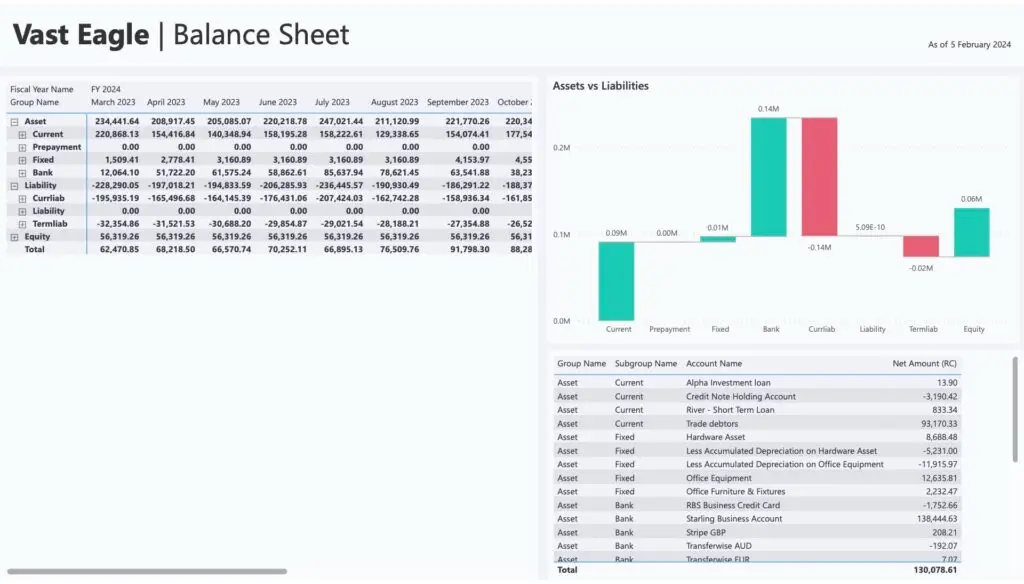
The TMDL View lets you update all your currency symbols in one go, and it works beautifully with our Connectorly All-in-One Power BI template for Xero.
In this new video, you’ll see:
What the TMDL View is and why it’s a game-changer
How to find and update currency symbols across your entire model in seconds
A live demo using real Connectorly reports
🎥 Watch the video below and give this faster method a try — it could save you a lot of clicks!