We regularly get questions from customers who are trying to consolidate multiple Xero organisations into a single reporting view in Power BI. This is a common requirement for finance teams managing group structures, multi-entity businesses, or international operations.
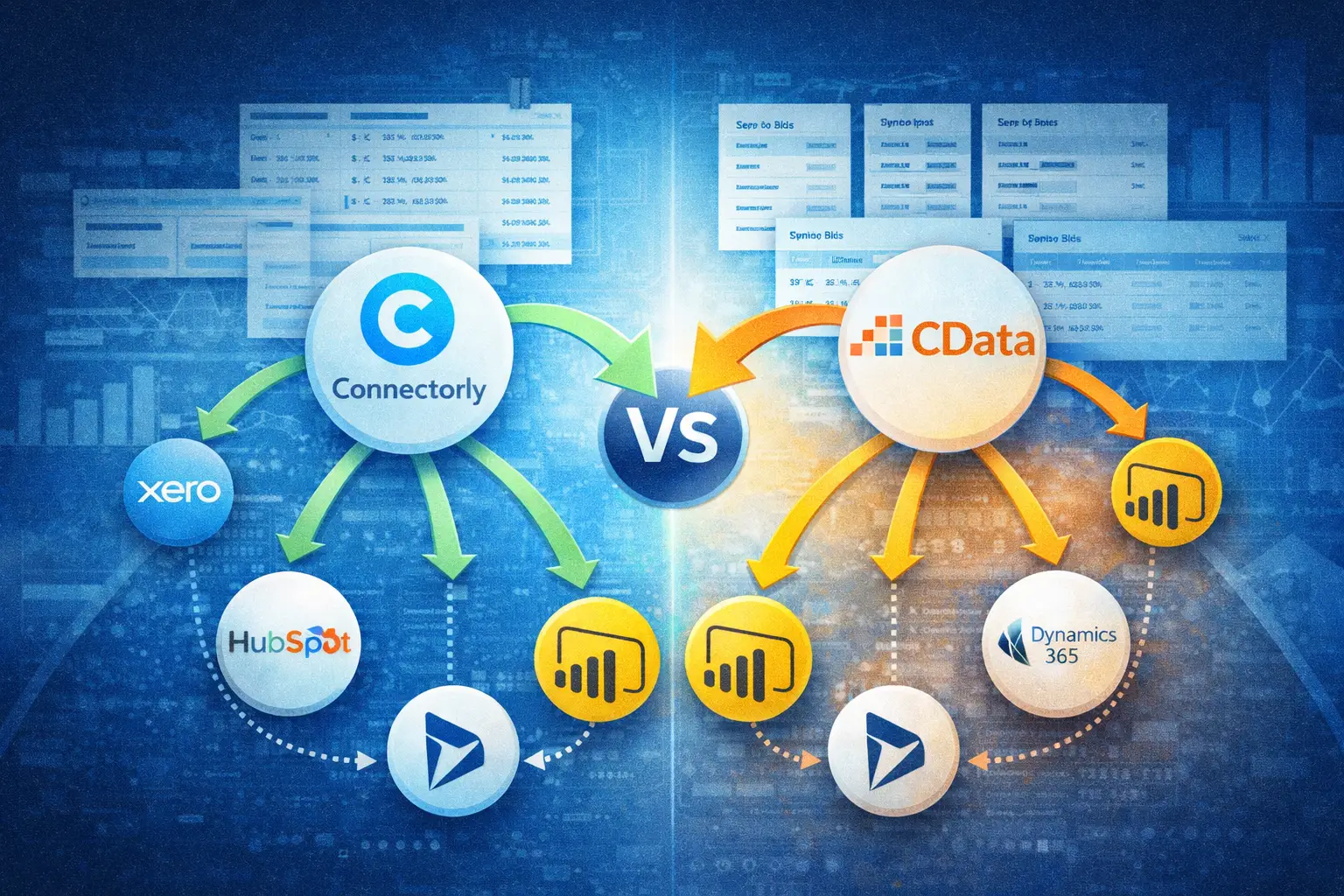
Two options that often come up in these conversations are Connectorly and CData.
Both can connect Xero to Power BI, but they take different approaches when it comes to data structure, setup, and consolidation.
In this article, we explain how each solution works and what that means in practice when building consolidated financial reports.
Why Is Consolidation Challenging with Xero and Power BI?
Xero is designed primarily as a single-organisation accounting platform. While it supports multiple organisations, it does not provide built-in consolidated reporting across them.
When you bring data into Power BI, consolidation becomes a data modelling challenge. You need to combine multiple datasets, align charts of accounts, handle different currencies if applicable, and ensure consistent structures across all entities.
Without a structured approach, this can lead to complex Power BI models, manual transformations, and increased maintenance.
This is why the choice of integration tool matters.
What Is CData and How Does It Connect Xero to Power BI?
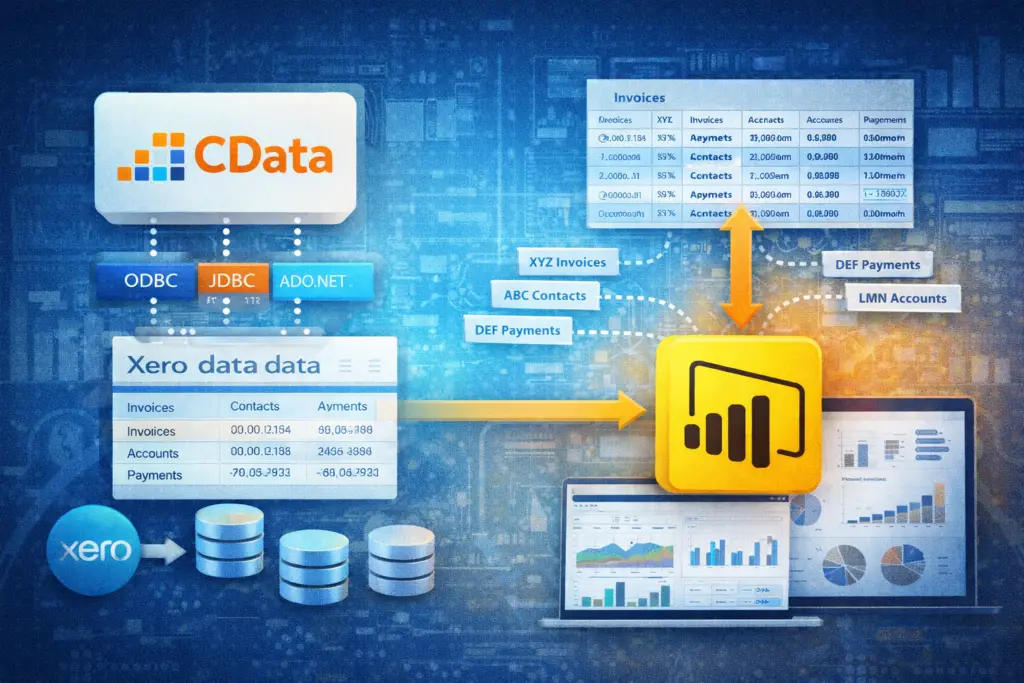
CData provides data connectivity solutions through drivers such as ODBC, JDBC, and ADO.NET. Their Xero connector allows users to query Xero data and bring it into tools like Power BI.
With CData, Xero data is typically accessed in a table-based format, representing API endpoints such as invoices, contacts, accounts, and payments.
Power BI can connect to these tables using the CData driver, and users can then build their own data model on top of this raw structure.
This approach gives flexibility, but it also means that data modelling and transformation are handled by the user. For consolidation scenarios, this includes combining datasets from multiple Xero organisations and aligning them within Power BI.
What Is Connectorly and How Does It Support Consolidation?
Connectorly is designed specifically for reporting and analytics use cases.
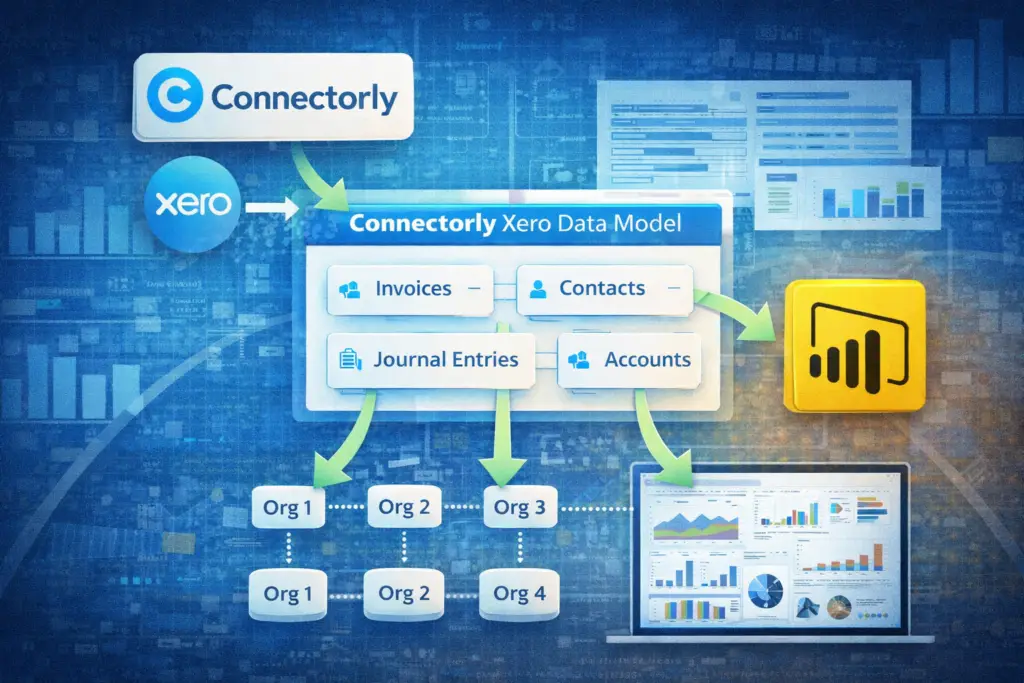
When using Connectorly for Xero & Power BI, the platform retrieves data from Xero and organises it into the Connectorly Xero Data Model, which is structured for reporting.
This model includes relationships between entities such as invoices, contacts, accounts, and journal entries. Because the data is already structured, Power BI users can focus on building reports rather than reshaping raw data.
Connectorly also supports scenarios where customers have multiple Xero organisations. The data can be grouped and combined in a way that supports consolidated reporting in Power BI.
How Do Connectorly and CData Differ in Data Structure?
The key difference lies in how the data is prepared before it reaches Power BI.
CData exposes Xero data in a format that closely mirrors the API. This means each table reflects a specific endpoint, and relationships between tables are not pre-defined.
Connectorly, on the other hand, delivers a pre-structured data model. Relationships between entities are already established, and the dataset is designed specifically for reporting.
For consolidation, this distinction is important. Financial reporting often requires combining multiple related datasets, such as linking invoices to contacts and accounts, or analysing journal entries across entities.
With CData, these relationships must be created manually in Power BI. With the Connectorly free templates, they are already in place.
How Is Multi-Entity Consolidation Handled?
When working with multiple Xero organisations, consolidation involves more than simply combining datasets.
You need consistent account structures, aligned tracking categories, and a way to compare financial data across entities.
With CData, consolidation is handled entirely within Power BI. Users must import data from each organisation separately, then build a unified model using Power Query and relationships.
Connectorly simplifies this process by preparing the data in a consistent structure. This makes it easier to group entities and build consolidated reports without extensive transformation work.
For teams managing multiple data sources beyond Xero, Connectorly also supports integrations such as:
Connectorly for HubSpot & Power BI
Connectorly for Xero Projects & Power BI
This allows organisations to combine financial data with CRM and project data in a single reporting environment.
Which Approach Requires Less Maintenance?
Maintenance is an important consideration for long-term reporting.
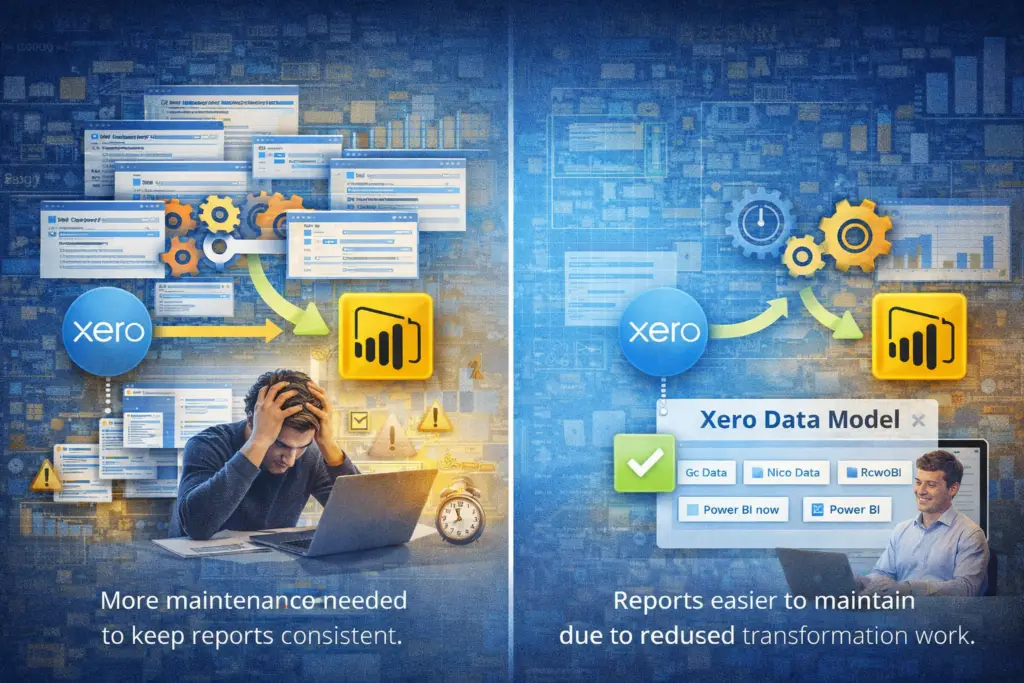
With CData, ongoing maintenance typically includes managing data transformations, updating queries, and ensuring consistency across multiple data sources.
Because Connectorly provides a structured dataset, the amount of transformation required in Power BI is reduced. This can make reports easier to maintain, especially as data volumes grow or additional entities are added.
How Does This Impact Power BI Reporting?
In Power BI, the quality of the data model directly affects report performance and usability.
A structured dataset allows users to create measures, visuals, and dashboards more efficiently. It also reduces the risk of errors caused by inconsistent relationships or missing fields.
Connectorly’s approach is designed to support reporting scenarios such as:
- Consolidated Profit and Loss reports
- Multi-entity balance sheet analysis
- Accounts receivable across entities
- Tracking category comparisons
If you are building or distributing reports across teams, this guide explains how Power BI apps can help manage access and structure: How and why to create Power BI Apps.
Which Integration Is Better for Consolidation?
Connectorly and CData both provide access to Xero data, but they serve different purposes.
CData focuses on data connectivity, giving users access to Xero data through drivers that can be queried and transformed.
Connectorly focuses on reporting readiness, providing a structured dataset designed for Power BI and consolidation scenarios.
For organisations that want full control over data modelling and are comfortable building their own structures, CData can be a suitable option.
For teams looking to reduce setup time, simplify consolidation, and work with a reporting-ready dataset, Connectorly provides a more streamlined approach.
Final Thoughts
Consolidating multiple Xero organisations in Power BI requires careful handling of data structure, relationships, and consistency.
The integration tool you choose plays a significant role in how complex this process becomes.
CData provides flexible access to Xero data but requires manual modelling and transformation.
Connectorly focuses on preparing data for reporting, making it easier to build consolidated dashboards and maintain them over time.
Understanding these differences helps teams choose the approach that best fits their reporting requirements and technical capabilities.