Why do customers ask this question?
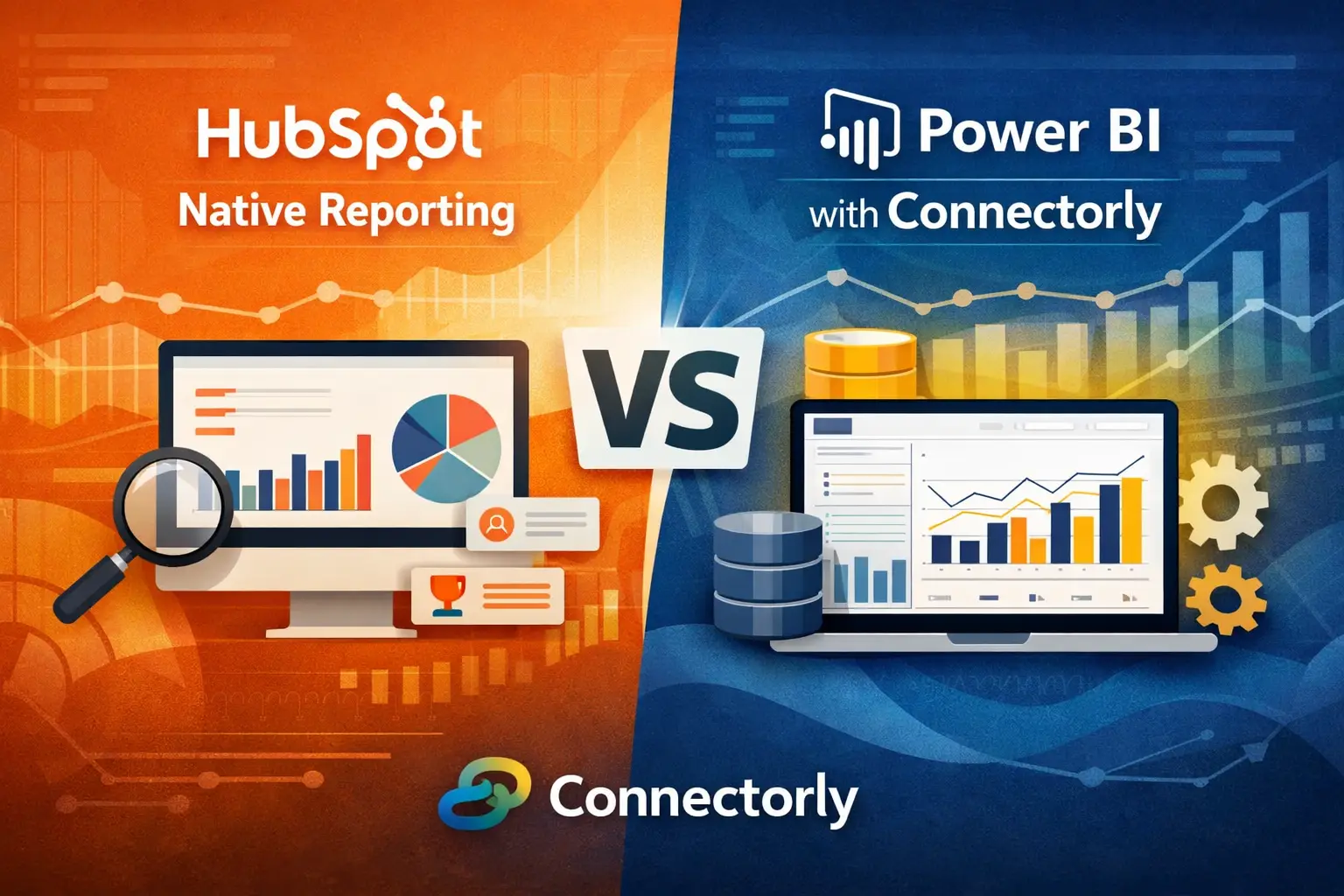
We regularly get asked a practical question by customers: “Should we stick with HubSpot’s native reporting, or move our data into Power BI?”
The question usually comes up once teams outgrow basic dashboards. Marketing teams want campaign attribution across systems. Finance teams need to reconcile HubSpot deals with Xero invoices. Leadership wants one source of truth.
HubSpot’s reporting tools are useful, but they are designed primarily for CRM-centric insights. Power BI, when connected properly, offers broader analytical capability. The key difference comes down to scale, flexibility, and how easily you can combine data from multiple systems.
This article explains how both options work, where each fits, and how Connectorly helps bridge the gap.
What can HubSpot native reporting actually do?
HubSpot provides several built-in reporting tools, including single-object reports, custom report builders, and dashboards. These allow you to analyse CRM data such as contacts, companies, deals, and activities.
You can create reports using fields like deal stage, pipeline, close date, and revenue. For many teams, this is enough to track sales performance and marketing attribution within HubSpot itself.
However, HubSpot reporting has clear boundaries. It works best when your data lives entirely inside HubSpot. Once you need to combine external data—such as accounting data from Xero or operational data from another system—limitations start to appear.
For example, joining HubSpot deal data with Xero invoice data is not supported natively. You also have limited control over how data is modelled, and there are constraints on historical data access depending on your plan.

When does HubSpot reporting start to fall short?
The most common trigger is cross-system reporting.
Teams often ask questions like:
- How many closed deals have actually been invoiced?
- What is the real revenue after accounting adjustments?
- How does marketing spend compare to recognised revenue?
HubSpot alone cannot answer these questions because it does not hold financial truth. Similarly, finance systems like Xero do not hold CRM context.
Another limitation is data modelling. HubSpot reports are built on predefined objects. You cannot create complex relationships or custom data models in the same way you can in a dedicated BI tool.
Performance and scalability also become concerns when dealing with large datasets or complex reporting logic.
Why do teams move HubSpot data into Power BI?
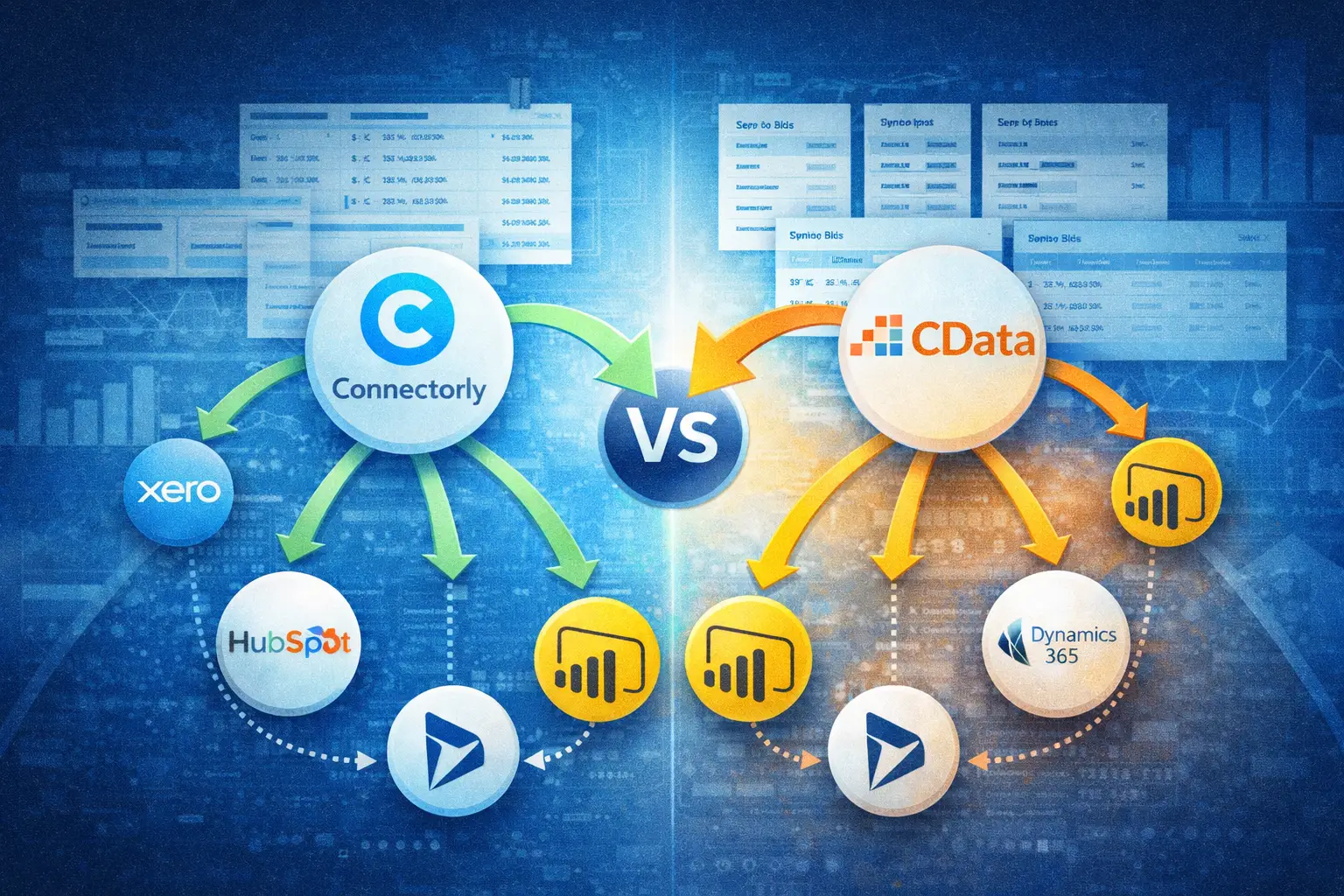
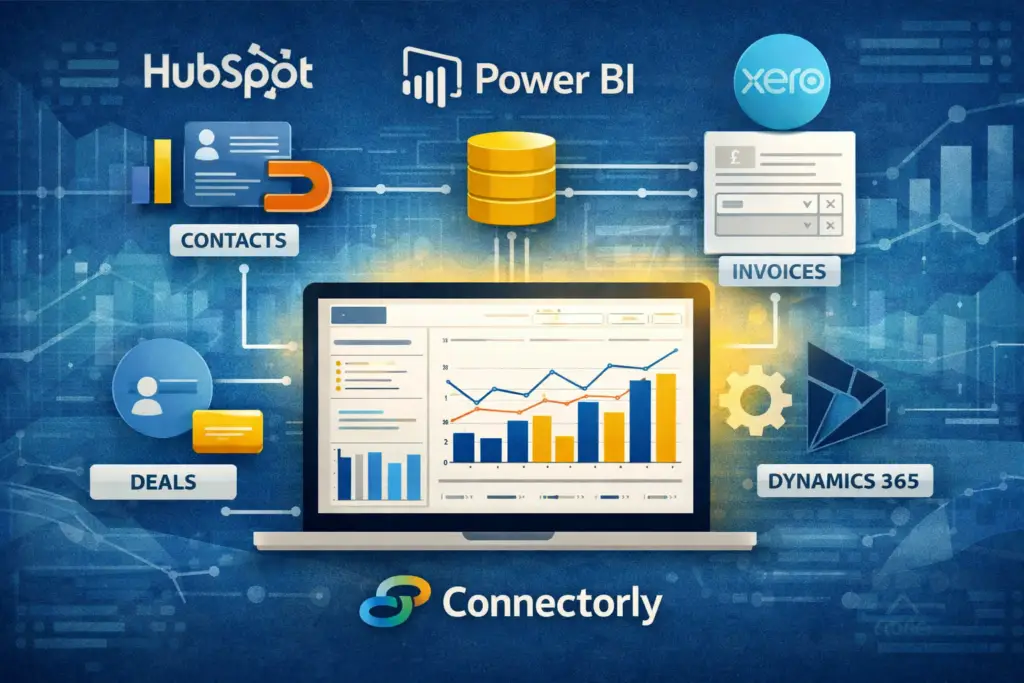
Power BI allows you to build a structured data model across multiple systems. Instead of relying on a single platform, you can combine HubSpot, Xero, Dynamics 365, and other sources into one reporting layer.
This is where tools like Connectorly come in.
Connectorly extracts data from HubSpot and loads it into a structured format that Power BI can use. This includes key objects like contacts, deals, pipelines, and engagements. The data is refreshed on a schedule, so reports stay up to date.
Once in Power BI, you can:
- Join HubSpot deals with Xero invoices using shared identifiers
- Create custom measures such as recognised revenue vs pipeline value
- Build dashboards that reflect both operational and financial data
For example, you can create a Power BI visual showing deal value from HubSpot alongside invoice totals from Xero, filtered by the same customer. This is not possible using HubSpot alone.
How does Connectorly support scalable reporting?
Connectorly focuses on making integrations reliable and predictable.
Instead of building custom API scripts or manual exports, Connectorly handles:
- Data extraction from HubSpot
- Data mapping into a structured schema
- Scheduled refreshes for Power BI datasets
This reduces the risk of broken pipelines and inconsistent data.
For teams working with finance data, Connectorly also supports integrations like:
- Connectorly for Xero & Power BI
- Connectorly for HubSpot & Power BI
- Connectorly for Dynamics 365 & Xero
These integrations allow you to align CRM, finance, and operational data in one place, which is essential for accurate reporting.
Is Power BI always the better choice?
Not necessarily.
HubSpot reporting is still the right choice for:
- Quick dashboards for sales teams
- Standard pipeline tracking
- Marketing attribution within HubSpot
It is faster to set up and requires no additional tools.
Power BI becomes the better option when:
- You need cross-system reporting
- Finance and CRM data must be aligned
- You require custom data models or calculations
- Reporting needs to scale across departments
In practice, many teams use both. HubSpot is used for day-to-day CRM visibility, while Power BI handles consolidated reporting.
What does a typical setup look like?
A common setup using Connectorly looks like this:
HubSpot data is extracted and loaded into a structured dataset. Xero data is also extracted. Both datasets are then modelled in Power BI.
Relationships are created between tables, such as linking HubSpot deals to Xero contacts or invoices. Measures are defined in Power BI using DAX, such as total invoiced revenue or deal conversion rates.
Dashboards are then built using visuals like:
- Line charts for revenue trends
- Tables showing deal vs invoice comparisons
- Filters for pipeline stage, date, or customer segment
The result is a single reporting layer that reflects both sales activity and financial outcomes.
Which option scales better over time?
From a technical perspective, Power BI scales better because it separates data storage, modelling, and visualisation.
HubSpot reporting is tightly coupled to the CRM. As your data landscape grows, this becomes restrictive.
Power BI, combined with Connectorly, allows you to expand your reporting without changing your core systems. You can add new data sources, adjust models, and build new reports without being limited by HubSpot’s structure.
This is particularly important for growing businesses where reporting needs evolve quickly.
Recommended further reading
To go deeper into related topics, consider linking to:
These resources help readers move from understanding the problem to implementing a solution.
Final thoughts
HubSpot’s native reporting is effective for CRM-focused insights. It is simple, accessible, and works well within its scope.
However, once reporting needs extend beyond HubSpot—especially into finance or operations—Power BI becomes the more scalable option.
Connectorly plays a key role by making the data integration process reliable. It removes the need for manual workarounds and allows teams to focus on building meaningful reports.
For teams asking how to scale their reporting, the answer is usually not replacing HubSpot, but extending it with a proper data layer.