
How to Create a Power BI Drill-Through Page: Step-by-Step Guide

Learn how to create a Power BI drill-through page step by step, configure its filters, add navigation and troubleshoot common drill-through problems.
How to Create a Date Table in Power BI: Step-by-Step Guide

Learn how to create and use a Power BI date table with DAX, correct relationships, chronological month sorting and organisation-specific fiscal periods.
Power BI for Beginners: The Complete Step-by-Step Guide (2026)

Learn Power BI from scratch with this complete beginner’s guide. Discover Power Query, DAX, dashboards, data modelling, publishing and practical business reporting examples.
Power BI Conditional Formatting: 5 Practical Examples for Better Business Reporting
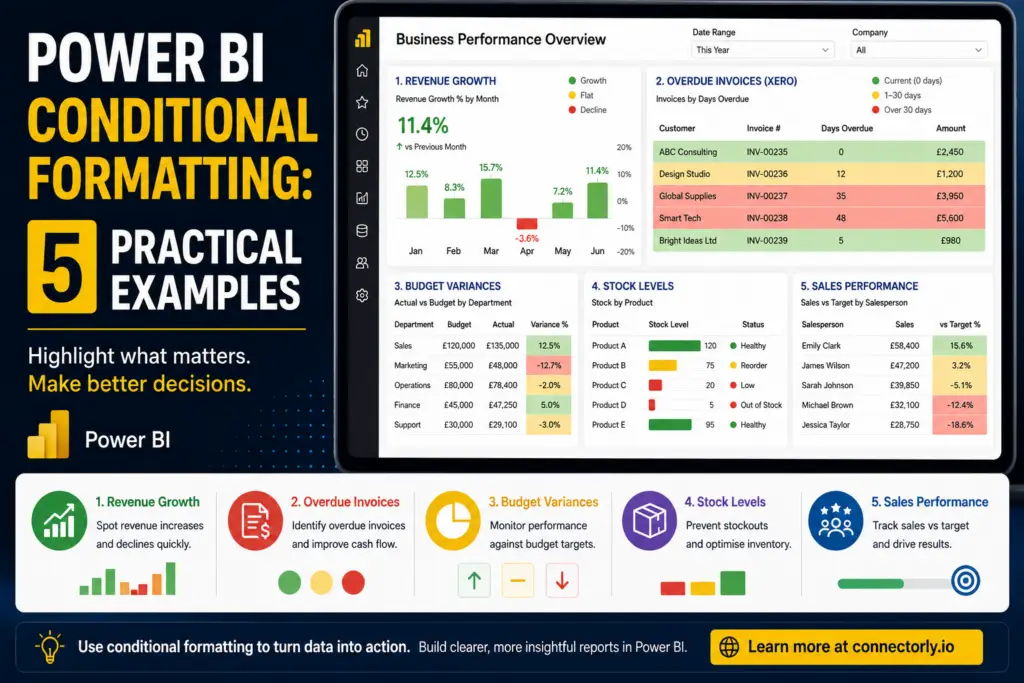
Discover five practical Power BI conditional formatting examples that improve reporting clarity and help users identify revenue trends, overdue invoices, budget variances, stock shortages, and sales performance faster.
Top 10 Power BI Keyboard Shortcuts That Save Hours
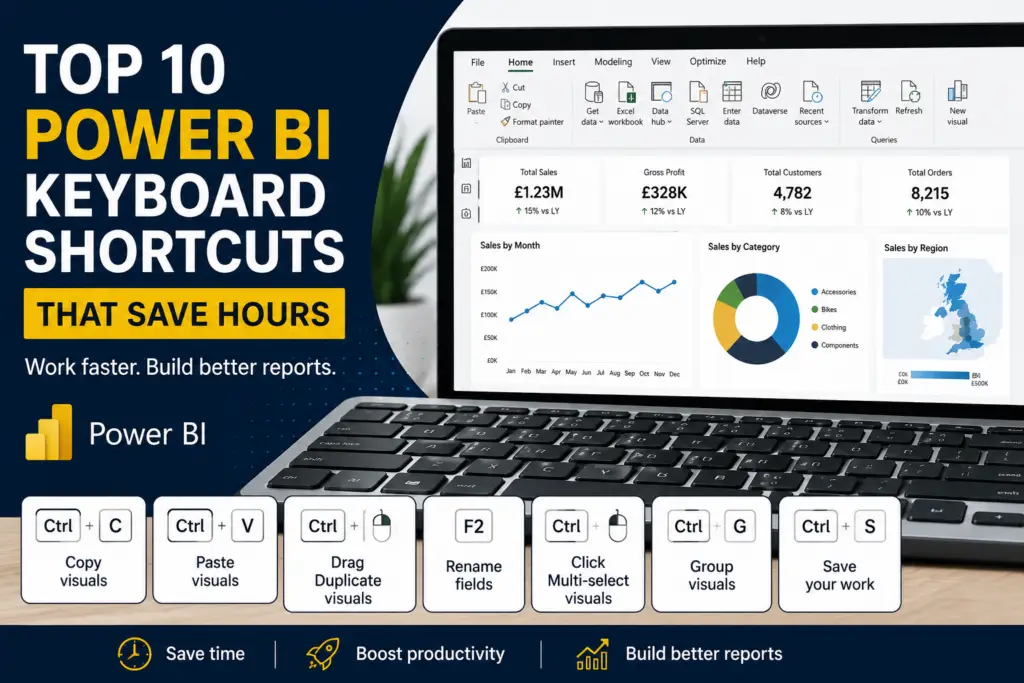
Discover 10 Power BI keyboard shortcuts that can save hours when building reports and dashboards. Perfect for beginners looking to work more efficiently in Power BI Desktop.
How to Split and Merge Fields in Power BI

Learn how to split and merge fields in Power BI using a real Xero tracking category example. This practical guide shows how to align combined fields like “Region – North” with Excel datasets where values are stored separately, so you can build accurate relationships and consolidated reports. Ideal for accountants and sales managers working with Xero, HubSpot, and Power BI.
How to Create a Running Total and Top N Customers in Power BI with DAX

Learn how to create running totals and highlight top customers in Power BI using DAX. This step-by-step guide shows practical examples for finance and sales reporting, helping you turn raw data into clear, actionable insights.