How to Expand JSON Data in Power BI Desktop
Learn how to expand JSON fields in Power BI Desktop using HubSpot data. A practical guide with Connectorly for HubSpot & Power BI.
Price update from June 1, 2026
Lock in your current price for another year by switching to annual billing.
👉 Learn more: https://connectorly.io/june-2026-pricing-changes/

Learn how to expand JSON fields in Power BI Desktop using HubSpot data. A practical guide with Connectorly for HubSpot & Power BI.

Connecting Power BI to SharePoint files can sometimes trigger the dreaded “Use SSL (HTTPS)” OAuth 2.0 error — but the fix is simpler than you think. In this guide, Connectorly explains how to securely link your SharePoint files to Power BI, avoid common authentication issues, and ensure your reports refresh smoothly. Ideal for Power BI developers, accountants, and business leaders who want reliable, secure data connections without the headaches.

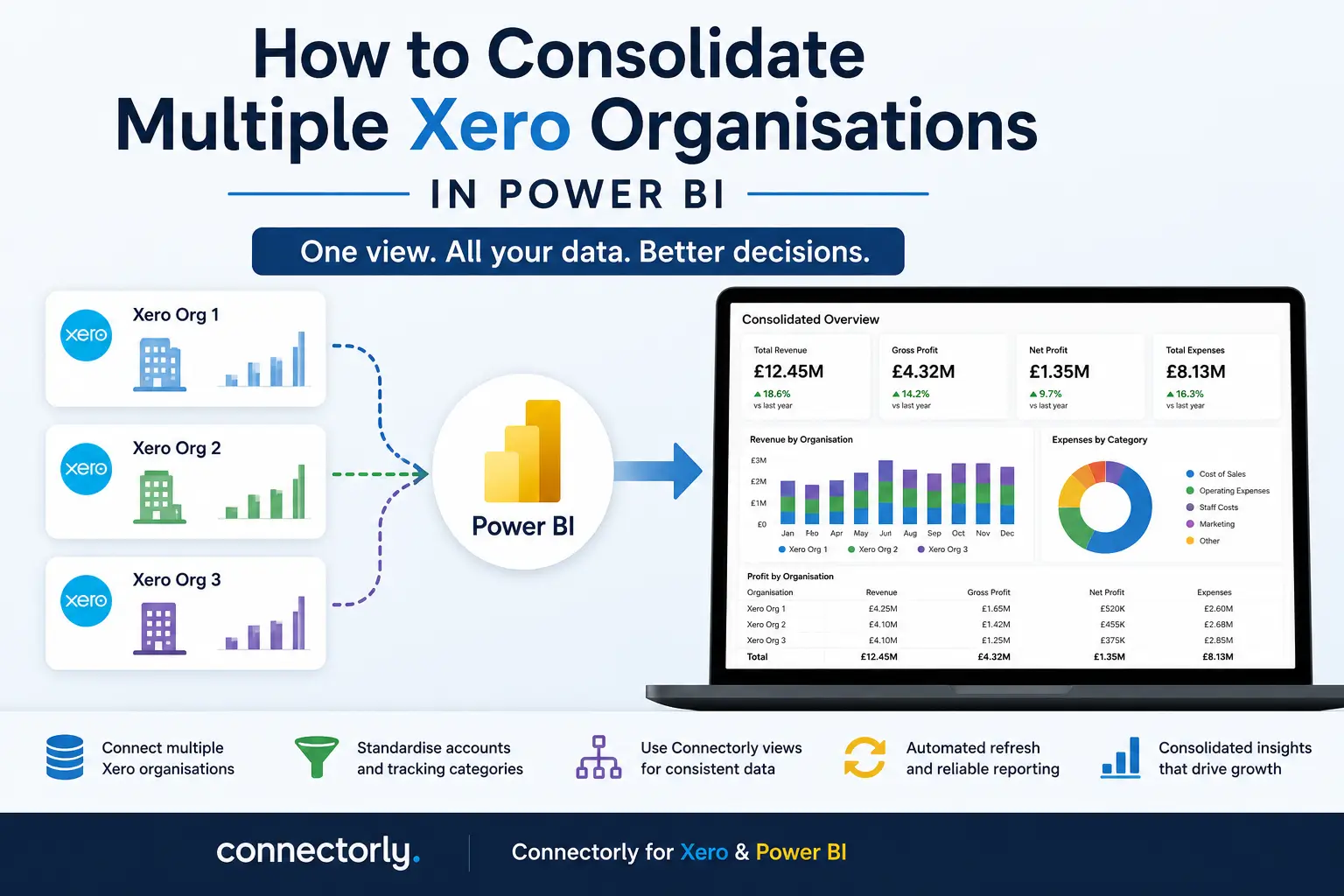
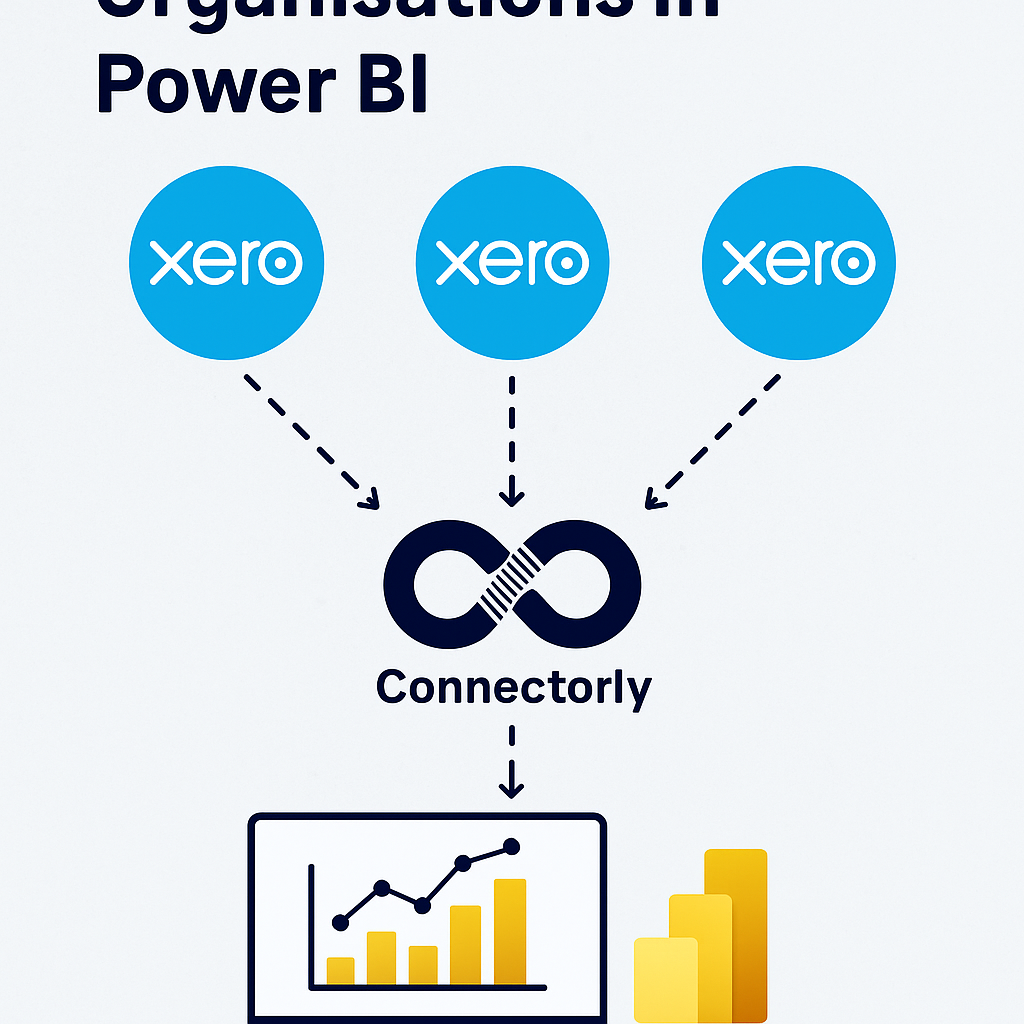
Easily consolidate data from multiple Xero organisations in Power BI with Connectorly. Group entities, align charts of accounts with Connectorly Views, and create accurate P&L, balance sheet, and cash flow reports. Save time, reduce errors, and combine Xero data with CRM or project tools for deeper insights.

New to Power BI and need your data in Excel? This step-by-step guide shows you three simple ways to export Power BI reports into Excel. Learn how to use CSV exports in Power BI Desktop, the powerful Analyze in Excel feature, and quick exports from visuals in Power BI Online. Perfect for beginners!

Unlock deeper insights into your sales performance by connecting HubSpot to Microsoft Power BI. In this guide, we show you the easiest way to integrate the two platforms, automate your data flow, and create interactive dashboards that help you track KPIs, identify trends, and make smarter business decisions.

Discover five essential Power BI Desktop tips designed for beginners to streamline tasks and enhance productivity. From quick multi-selection and data transformation techniques to efficient duplication of visuals, these practical strategies ensure your reporting process is both efficient and professional.

Currency fluctuations can have a major impact on your financials—but not all gains or losses are treated the same. In this article, we break down the difference between unrealised and realised currency gains, and explain how bank revaluation affects your accounting reports. Whether you’re managing international invoices or reconciling foreign currency accounts in Xero, this guide will help you make sense of the numbers.

When merging contacts in Xero, invoices visually update, but underlying data doesn’t refresh, causing discrepancies in integrations like Connectorly. This article explains why this happens and provides a straightforward solution to ensure invoices accurately reflect merged contacts in your reporting tools.

Managing budgets doesn’t have to be a manual mess. In this blog, we explore how Xero’s built-in budgeting tools combined with Connectorly’s seamless Power BI integration can help you simplify budget tracking, reduce errors, and create powerful, always up-to-date budget vs. actual reports — all without wrestling with spreadsheets.

Accurate calendar reporting is crucial for making sense of your financial and sales data—especially when different teams or regions work with different fiscal year definitions. In this post, we explore why flexible calendar options (like ISO weeks, fiscal years, and standard Gregorian calendars) matter, and how Connectorly makes it easy to apply the right structure to your Power BI reports—whether you’re using data from Xero, HubSpot, or both.

Learn how to configure Connectorly to seamlessly integrate Microsoft Dynamics 365 Sales with Xero. This step-by-step guide covers essential setup instructions, key configuration options, and best practices to ensure accurate data synchronisation—helping finance and operations teams streamline invoicing, contact management, and reporting across platforms.

Learn how Connectorly builds accurate cash flow forecasts from your Xero data by leveraging repeating invoices and bills, estimating future payments based on contact behavior, and generating forward-looking bank transactions—all designed to power dynamic, real-time insights in Power BI.

Discover how to connect Xero to Power BI Desktop in just a few minutes and start creating powerful, real-time financial reports. This step-by-step guide walks you through the setup process, highlights common pitfalls to avoid, and shows you how to unlock actionable insights from your Xero data—no coding required. Perfect for finance teams and business owners looking to make smarter, data-driven decisions.

Keeping your Power BI reports current doesn’t have to be a struggle. This guide walks you through how to securely manage data source credentials and set up automatic refreshes in Power BI Online—so your insights are always accurate, timely, and stress-free.

https://youtu.be/20N8293ffL4 Managing your data source credentials in Power BI is crucial for maintaining secure and accurate data connections. In our latest video tutorial, we guide

Learn how to easily change the currency symbol in Power BI with our simple tutorial. Enhance financial reporting accuracy using Connectorly integrations for Xero, HubSpot, Microsoft 365, Datto RMM, and access our free templates.

Unlock the Power of Your Financial Data: Build a Flexible Balance Sheet with Connectorly for Xero and Microsoft Power BI. Easily connect your Xero data to Microsoft Power BI and start building insightful reports in just a few clicks. Tailor your balance sheet to fit different scenarios with Connectorly’s dynamic data connections and Power BI’s visualization tools. Discover why the balance sheet is essential for understanding your company’s financial position and how Connectorly can help you quickly build and customize it to meet your unique business needs. Consolidate balance sheets across multiple Xero accounts, create custom views, and gain deeper insights into your financials. Try Connectorly for free today and transform your financial data into actionable insights.

Connectorly offers a hassle-free solution to integrate business software systems with their no-code approach. They provide connectors for Dynamics 365, Xero, LeadForensics, HubSpot and Power BI. These connectors will help businesses increase their productivity by connecting all essential systems without any downtime. Connectorly’s team is readily available to assist users through live chat and email. Their website also has useful resources users can access to simplify installation. With registered office located in Kent, Connectorly is an essential tool for businesses looking to simplify their software integration needs.

Unlock powerful insights by creating and leveraging views in Power BI Desktop with Connectorly for Xero and Power BI.

With a plethora of technology at our fingertips, balancing consumer amounts in every financial tool is itself a challenging and time taking task. Proportionally 24%

Creating a comprehensive Profit and Loss (P&L) statement is vital for understanding your business’s financial performance. However, generating detailed and customizable P&L reports can be

Managing debtors and creditors is integral to the financial health and success of your business. Debtors refer to customers who owe your business money, while creditors

Integrate Dynamics 365 with Xero quickly and securely using the Connectorly platform. Easily automate data syncing between your business systems for improved efficiency.

Accurate revenue forecasting for businesses of all sizes is very important. If you’re looking to supercharge your revenue growth, Connectorly for Xero and Power BI with