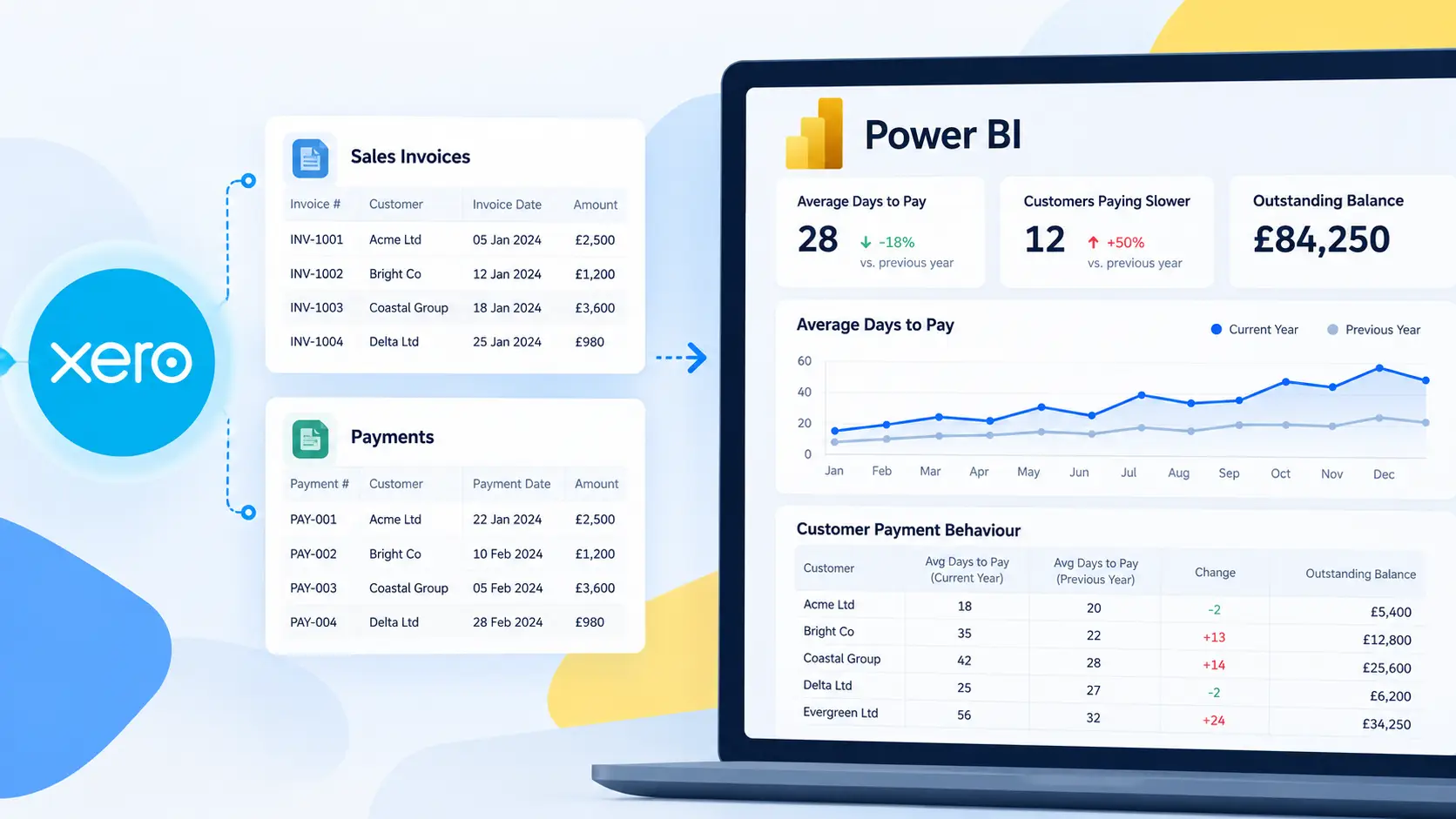
Why customers ask about connecting Xero to Power BI?
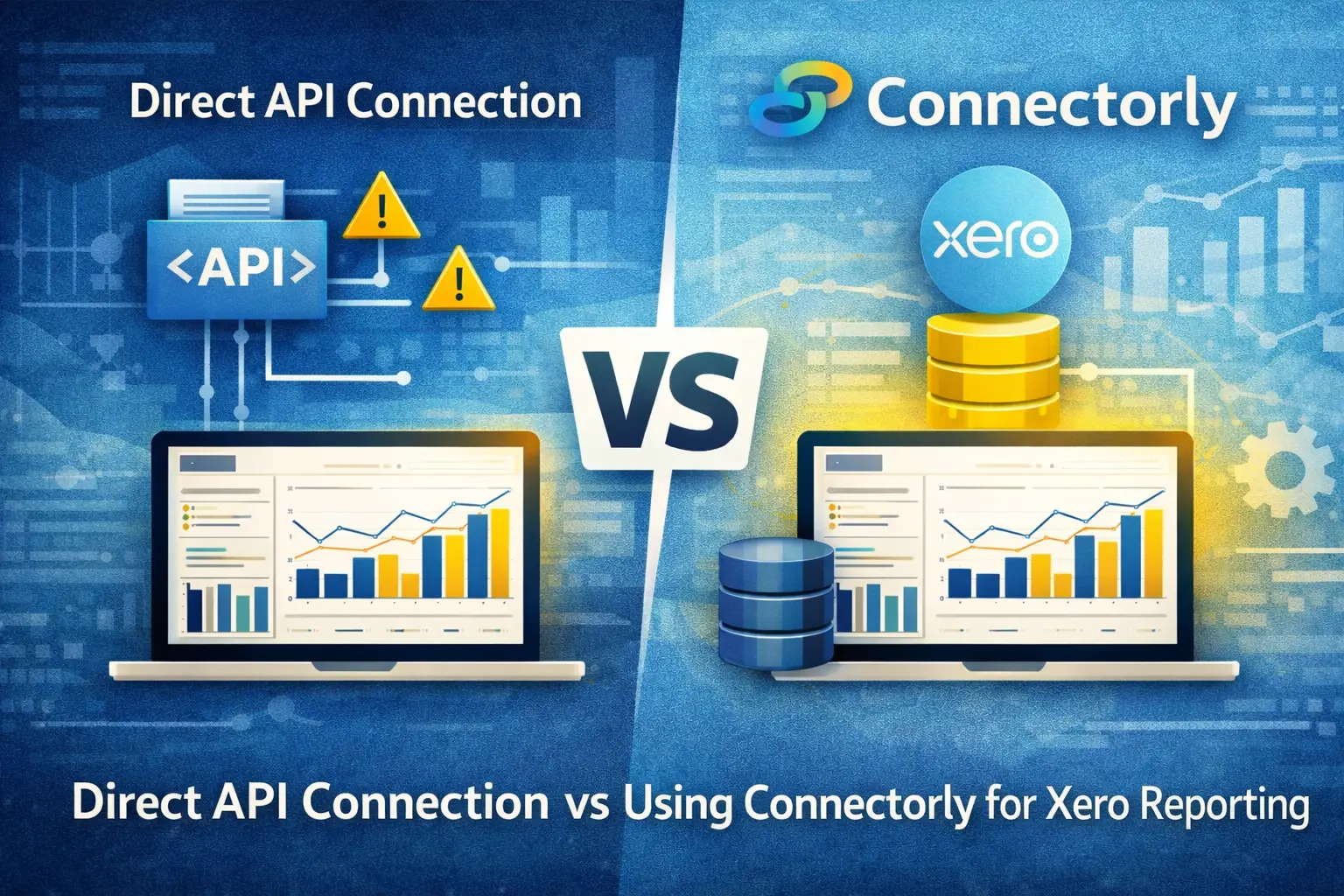
We often get a very specific question from customers: “Should we connect Power BI directly to the Xero API, or use a tool like Connectorly?”
This usually comes up when finance and operations teams want more detailed reporting than Xero’s built-in reports can provide. They want to analyse invoices, payments, contacts, and account data alongside other systems, and Power BI is a natural choice.
Both approaches—direct API connection and using Connectorly—are technically valid. The difference lies in how much work is required, how reliable the data is, and how well the solution scales over time.
If you are still evaluating the wider reporting options, our complete guide to Xero reporting in Power BI explains the available connection methods, what the Xero data model contains, and how to choose an approach that fits your reporting requirements.
What does a direct Power BI connection to the Xero API involve?
Connecting Power BI directly to Xero means working with the Xero API. This requires setting up an app in Xero, configuring OAuth 2.0 authentication, and writing queries to retrieve data.
In Power BI, this is typically done using Power Query (M language). You define API endpoints such as invoices, contacts, payments, and bank transactions, then shape the data into tables.
At a basic level, this works. You can pull invoice data, filter by date, and build visuals such as revenue trends or aged receivables.
However, the Xero API returns data in paginated JSON format. This means you must handle pagination, manage API limits, and ensure that all records are retrieved correctly. You also need to manage token refresh logic for authentication.
This setup is not a one-time task. It requires ongoing maintenance as API structures, credentials, or reporting needs change.

What are the common challenges with direct API connections?
The most common issue is data completeness.
Xero’s API enforces rate limits and pagination. If your queries do not handle pagination correctly, you may only retrieve partial datasets. This can lead to inaccurate reports without obvious errors.
Another challenge is data modelling. The API provides raw data, but relationships between entities—such as invoices, contacts, and payments—must be defined manually in Power BI. This includes creating joins and ensuring consistency across datasets.
Refresh reliability is also a concern. Power BI scheduled refreshes can fail if authentication tokens expire or if API limits are reached during execution.
For teams without dedicated development resources, these issues can slow down reporting projects significantly.
How does Connectorly change the setup?
Connectorly removes the need to manage direct API interactions.
Instead of connecting Power BI to Xero directly, Connectorly handles data extraction and prepares it in a structured format that Power BI can use. This includes key Xero entities such as invoices, contacts, payments, accounts, and tracking categories.
The data is loaded into a consistent schema, which makes it easier to build relationships in Power BI. Connectorly also manages scheduled refreshes, so data stays up to date without manual intervention.
For example, instead of writing custom M queries to retrieve invoice data across multiple pages, Connectorly provides a complete dataset that already includes all records.
This reduces the risk of missing data and simplifies report development.
How does data modelling differ between the two approaches?
With a direct API connection, you are responsible for building the entire data model.
You need to:
- Flatten nested JSON structures
- Create relationships between tables
- Define measures such as total revenue or outstanding balance
This gives full control, but it also requires time and expertise.
With Connectorly, much of this groundwork is already done. Data is structured in a way that aligns with common reporting needs. For example, invoice tables can be linked to contact tables using consistent identifiers, making it easier to build reports such as revenue by customer.
You can begin by downloading one of the free templates, which come with pre-defined relationships, additional measures, and more.
You still define your own measures in Power BI using DAX, but the underlying data is easier to work with.
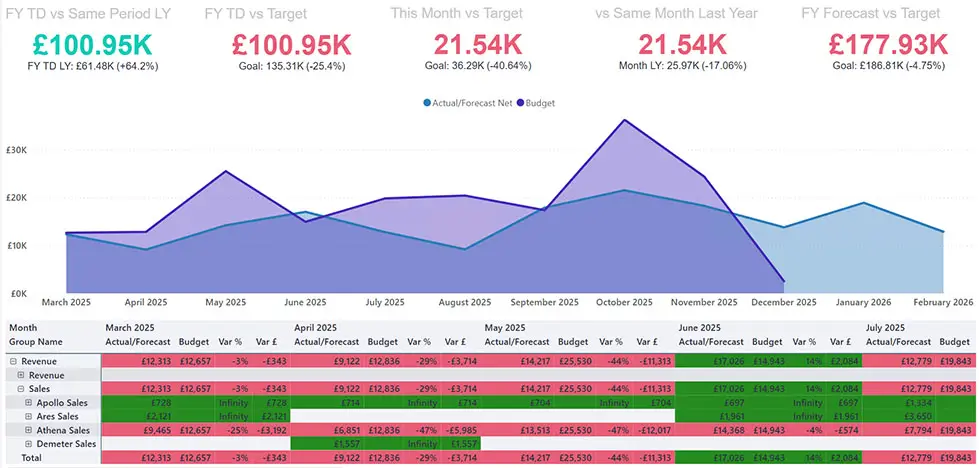
What does a typical Power BI report look like with Xero data?
Regardless of the method used, Power BI is where the reporting happens.
A typical Xero report in Power BI might include:
- A line chart showing monthly invoiced revenue
- A table of outstanding invoices with due dates
- A bar chart comparing revenue by customer or account
When using Connectorly, these visuals are built on complete and structured datasets. For example, you can create a measure that calculates total invoice value filtered by invoice status, or compare paid versus unpaid invoices across time periods.
You can also combine Xero data with other systems. For instance, linking invoice data to HubSpot deals allows you to compare pipeline value with actual invoiced revenue.
This is where integrations like Connectorly for HubSpot & Power BI and Connectorly for Xero Projects & Power BI become relevant.
Which option is more reliable for scheduled reporting?
Reliability depends on how well the data pipeline handles refreshes.
With direct API connections, Power BI must handle authentication, pagination, and data retrieval during each refresh. If any part of this process fails, the dataset may not update.
Connectorly manages these steps outside of Power BI. Data is prepared before it reaches Power BI, which reduces the complexity of the refresh process.
This makes scheduled reporting more predictable, especially for teams running daily or hourly updates.
When should you use a direct API connection?
A direct API connection can be suitable when:
- You need a lightweight setup for a small dataset
- You have experience working with APIs and Power Query
- You require very specific custom logic at the data extraction level
It gives full control, but it also requires ongoing technical effort.
When does Connectorly make more sense?
Connectorly is a better fit when:
- Data accuracy is critical for financial reporting
- You need to combine Xero data with other systems
- You want a stable and maintainable reporting setup
- Your datasets are large or growing over time
Connectorly for Xero & Power BI is designed specifically for these use cases, helping teams avoid common integration issues.
Final thoughts
Connecting Xero to Power BI is not just about access to data—it is about ensuring that data is complete, structured, and reliable.
A direct API connection offers flexibility but comes with technical overhead. You need to manage pagination, authentication, and data modelling yourself.
Connectorly simplifies this process by handling data extraction and preparation. It allows teams to focus on building reports rather than maintaining integrations.
For most growing businesses, the question is not whether Power BI can connect to Xero—it is how to do it in a way that remains stable as reporting needs expand.