Is Your P&L a Puzzle? Connectorly Holds the Missing Pieces
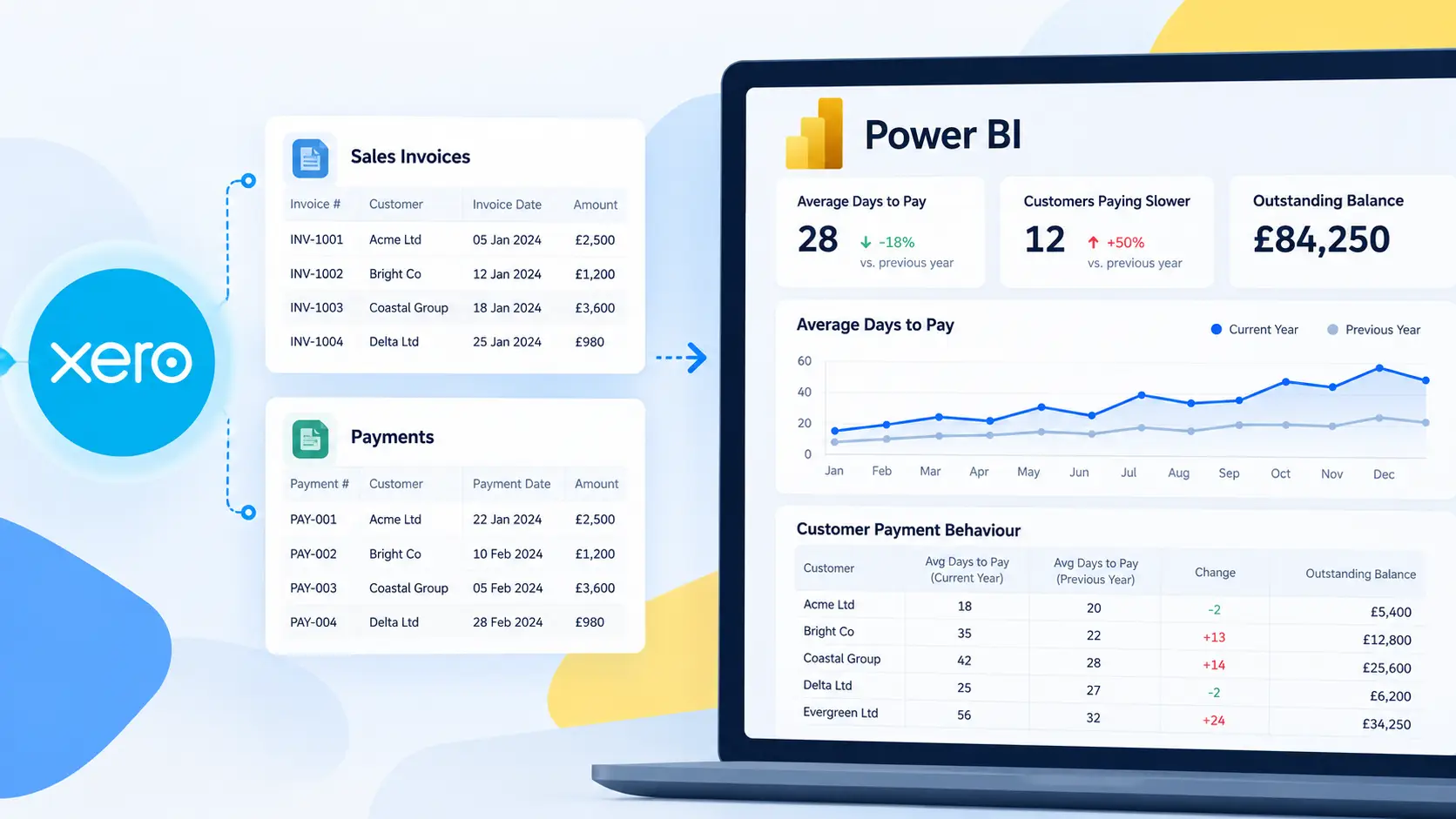
Creating a comprehensive Profit and Loss (P&L) statement is vital for understanding your business’s financial performance. However, generating detailed and customizable P&L reports can be challenging with standard tools. This is where Connectorly bridges the gap between Xero and Microsoft Power BI, offering an enhanced reporting experience.
Profit and Loss reporting is one part of a much broader reporting environment. Our complete guide to Xero reporting in Power BI also covers balance sheets, cash flow, operational reporting, dashboards, data modelling and multi-organisation analysis.
Why Connectorly for P&L Reporting?
Connectorly seamlessly integrates Xero’s accounting data with Power BI’s robust analytics, enabling you to:
Automate Data Retrieval: Eliminate manual data exports by automatically syncing your Xero financials into Power BI.
Customize Reports: Tailor your P&L statements to reflect specific business metrics, time frames, and categories.
Visualize Financial Data: Utilize Power BI’s dynamic visualization tools to create interactive charts and graphs for deeper insights.
Key Features of Connectorly’s P&L Template
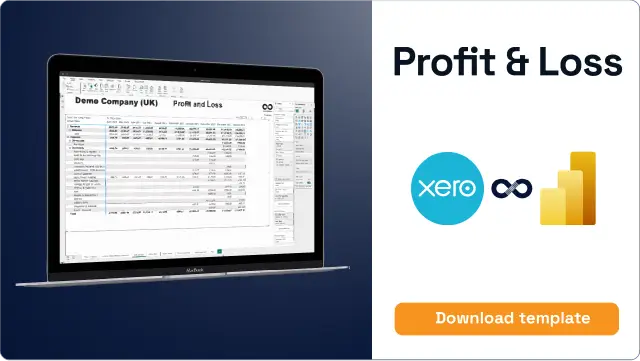
Connectorly offers a pre-built P&L template designed to simplify financial reporting:
Comparative Analysis: Evaluate current fiscal quarters and years against previous periods to identify trends.
Interactive Dashboards: Drill down into specific data points for a granular view of income and expenses.
Export Options: Easily share reports by exporting them to PDF, Excel, or CSV formats.
Benefits of Using Connectorly for Your Business
By leveraging Connectorly’s integration between Xero and Power BI, you can:
Save Time: Reduce the hours spent on manual data entry and report generation.
Enhance Accuracy: Minimize errors associated with manual data handling.
Gain Deeper Insights: Access real-time financial data to make informed business decisions.
Getting Started with Connectorly
To experience the benefits firsthand:
Sign Up for Connectorly: Visit our website to create an account.
Connect Xero and Power BI: Follow the guided setup to link your Xero account with Power BI through Connectorly.
Utilize the P&L Template: Download and customize the P&L template to suit your business needs.
Empower your business with precise and customizable financial reporting by integrating Xero with Power BI using Connectorly.