
How to Build an Aged Receivables Dashboard in Power BI Using Xero Data
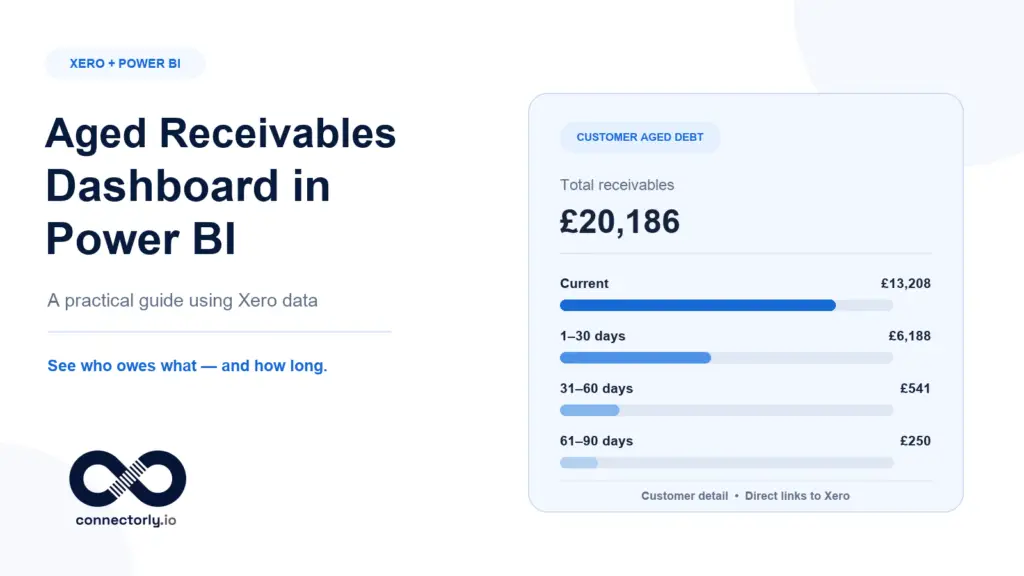
Learn how to build an aged receivables dashboard in Power BI using Xero data, Connectorly’s reporting model and a free template for customer and invoice analysis.
Why Power BI Numbers Don’t Match Xero (And How to Fix Them)
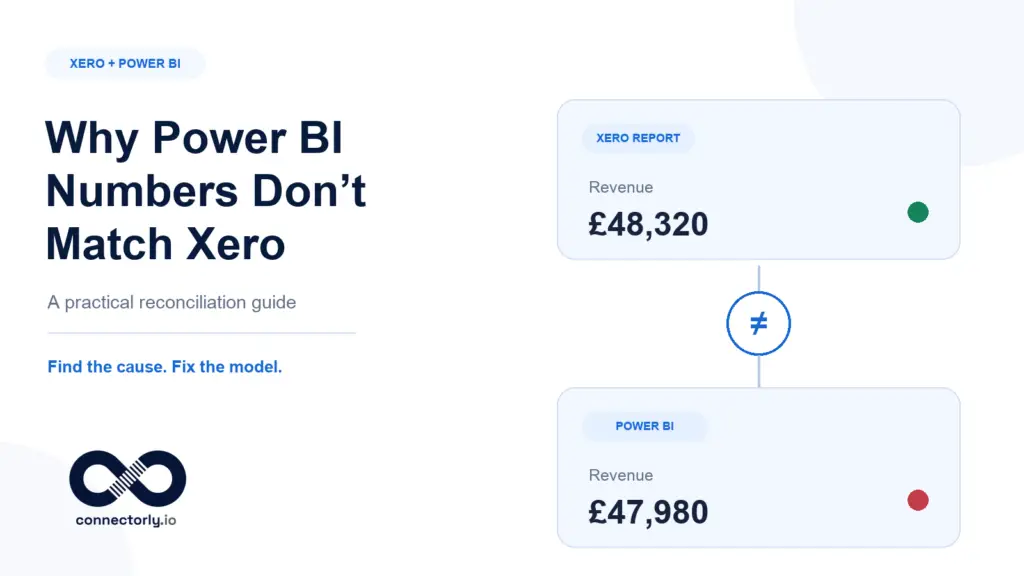
Power BI figures do not always match Xero immediately. Discover the ten most common causes of reporting discrepancies and follow a practical checklist to reconcile your financial data.
The Complete Guide to Xero Reporting in Power BI
A complete guide to Xero reporting in Power BI, covering native Xero reports, data connections, financial dashboards, multi-organisation reporting and reliable implementation practices.
Power BI for Beginners: The Complete Step-by-Step Guide (2026)
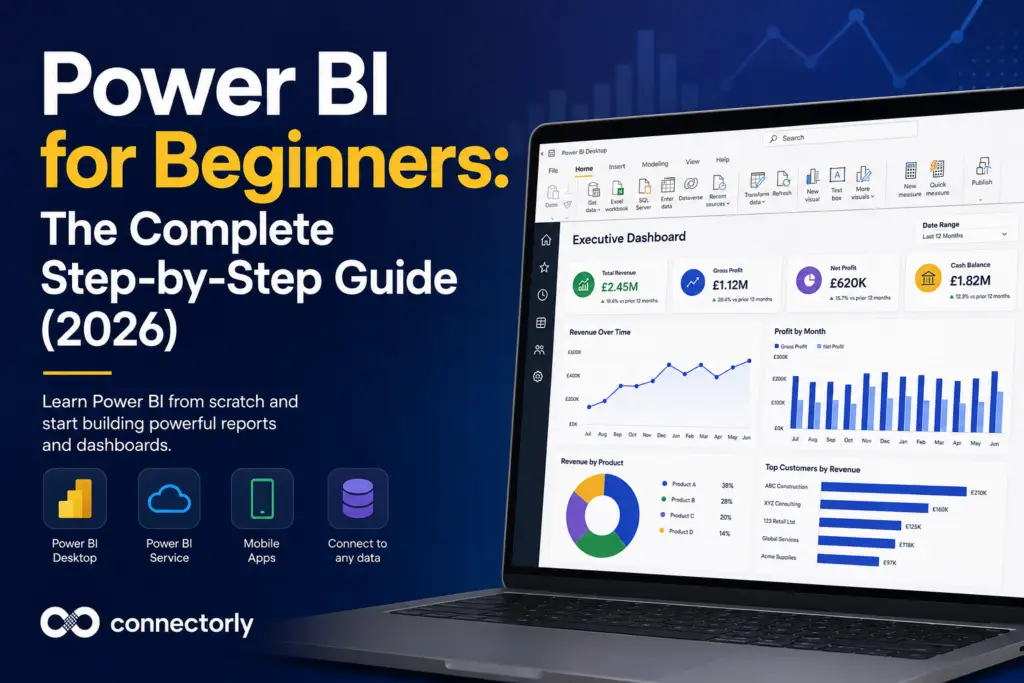
Learn Power BI from scratch with this complete beginner’s guide. Discover Power Query, DAX, dashboards, data modelling, publishing and practical business reporting examples.
How to Build a Cash Flow Dashboard in Power BI (Using Xero Data)
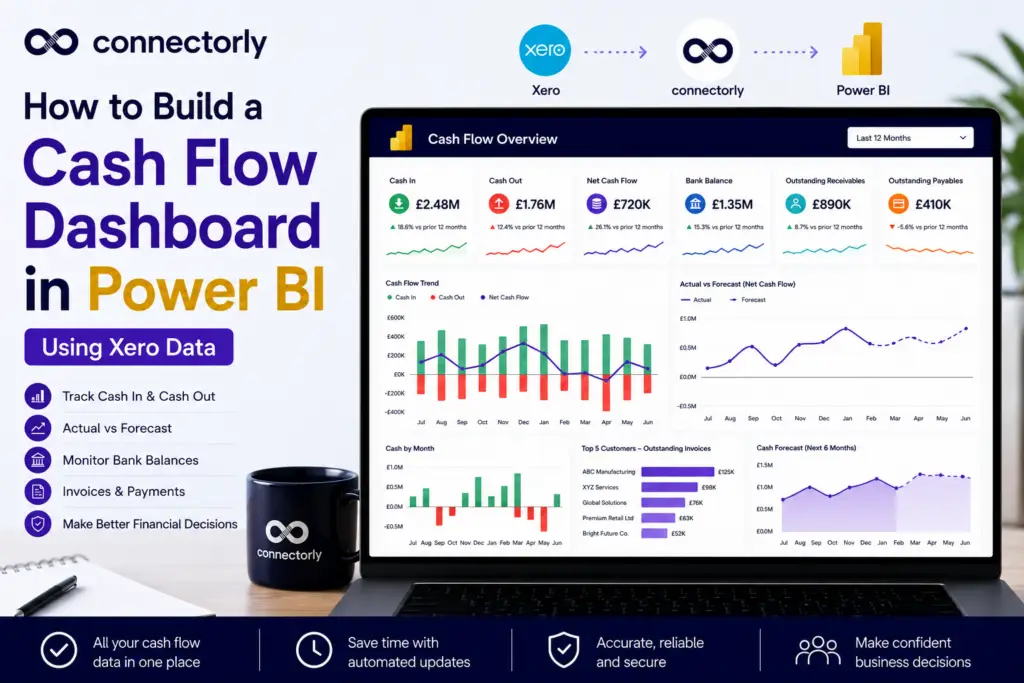
Cash flow is one of the most important financial metrics for any business. In this guide, you’ll learn how to build a professional cash flow dashboard in Power BI using Xero data, including KPI cards, running balances, cash forecasting, and executive dashboards. We’ll also show how Connectorly for Xero & Power BI can help automate your reporting.
Power BI Conditional Formatting: 5 Practical Examples for Better Business Reporting
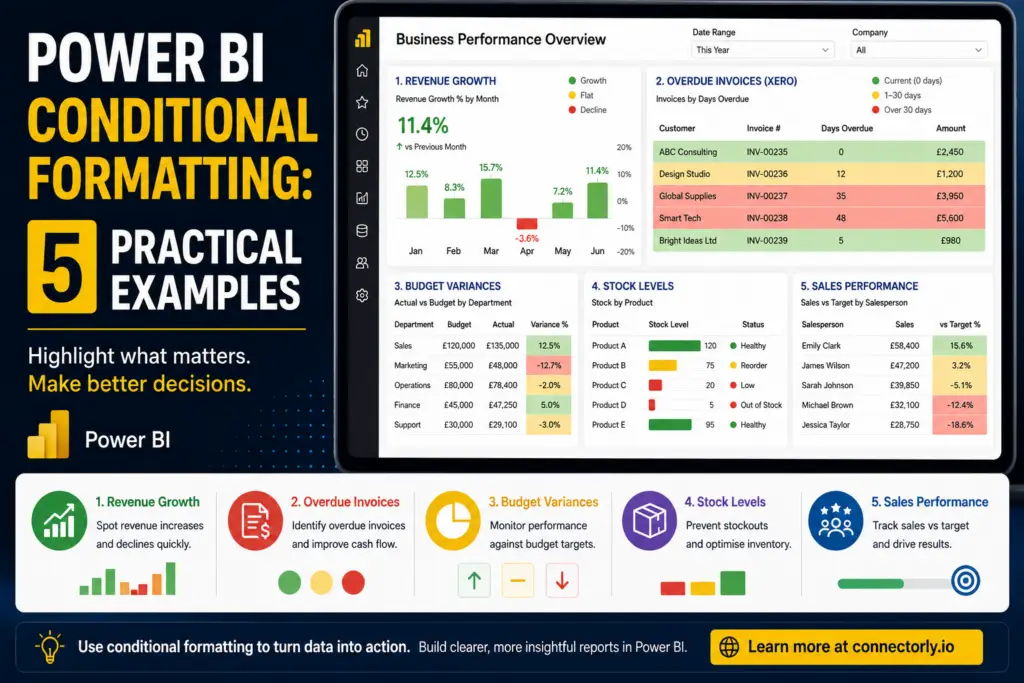
Discover five practical Power BI conditional formatting examples that improve reporting clarity and help users identify revenue trends, overdue invoices, budget variances, stock shortages, and sales performance faster.
Top 10 Power BI Keyboard Shortcuts That Save Hours
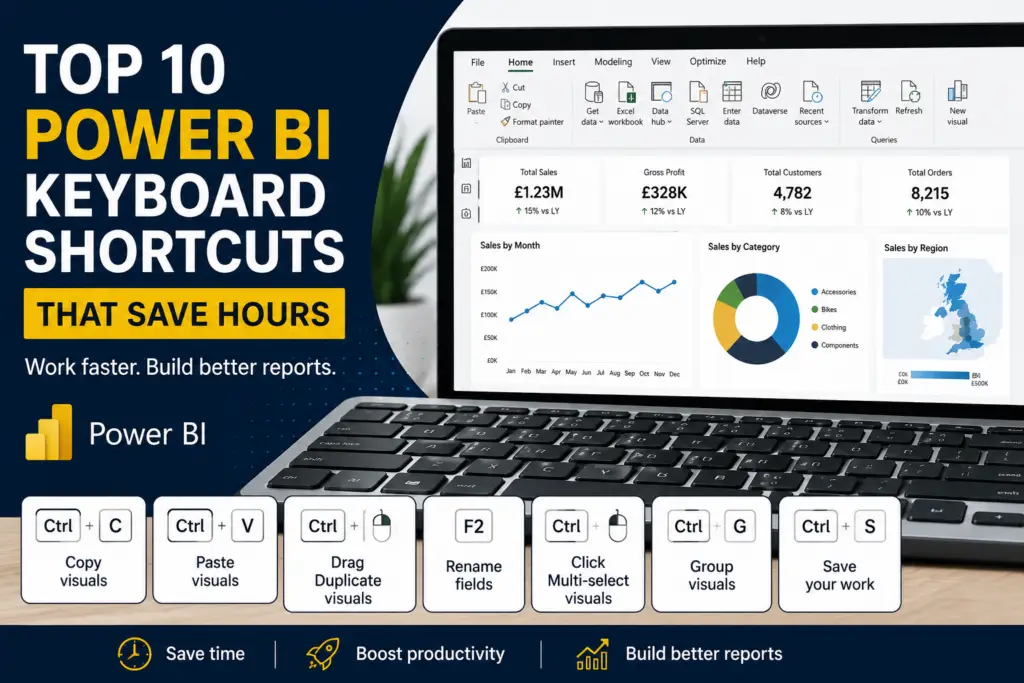
Discover 10 Power BI keyboard shortcuts that can save hours when building reports and dashboards. Perfect for beginners looking to work more efficiently in Power BI Desktop.
How to Create Custom Tracking Categories in Xero (And Actually Use Them)
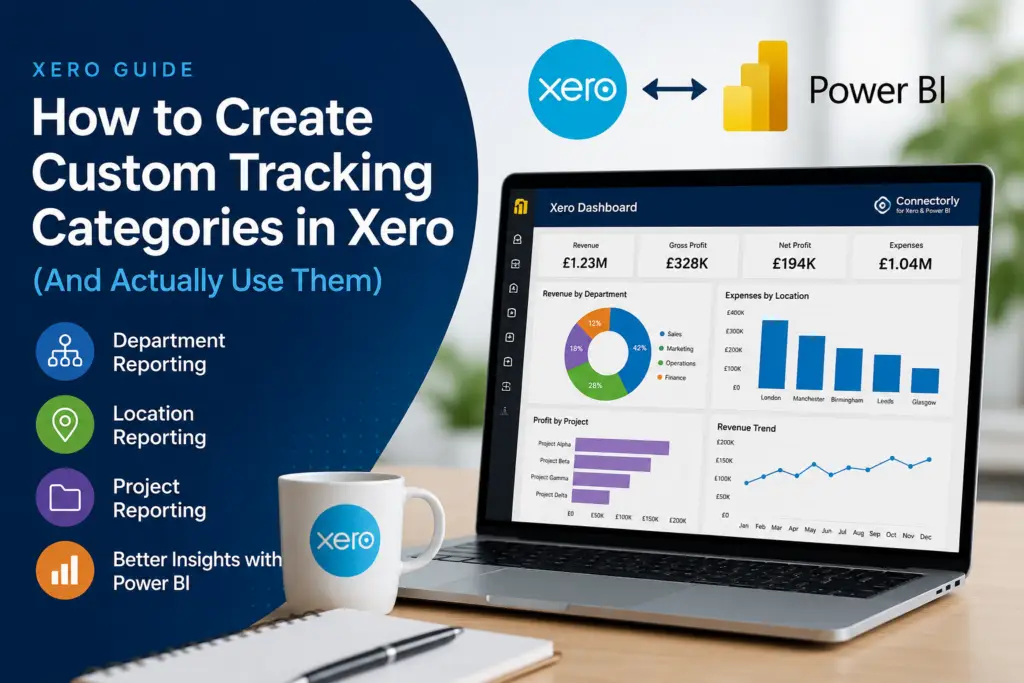
Tracking categories are one of the most useful reporting features in Xero, but many businesses never use them properly. Learn how to create tracking categories, improve department and location reporting, avoid common mistakes, and extend your Xero reporting with Power BI and Connectorly.
How to Build Dashboards from Xero in Power BI
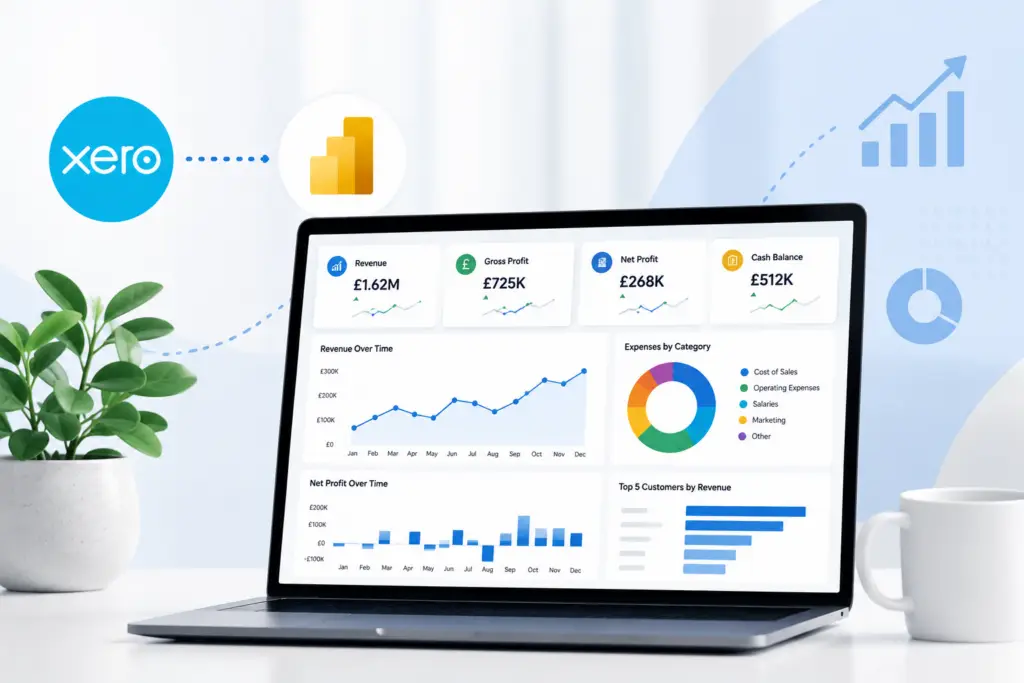
Want better Xero reporting? Learn how to build interactive dashboards in Power BI using Connectorly templates, structured data models, and automated refreshes.
How to Consolidate Multiple Xero Organisations for Better Reporting
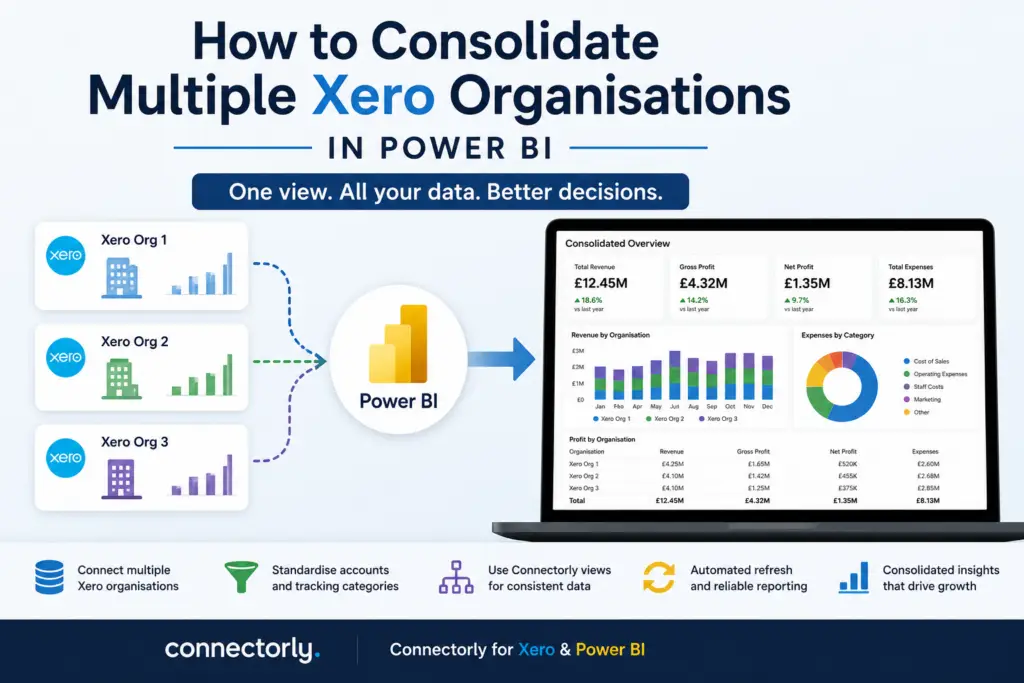
Managing multiple Xero organisations? Learn how to consolidate reporting in Power BI using Connectorly, with practical guidance on account mapping and tracking categories.
Why Excel Is Killing Your Reporting
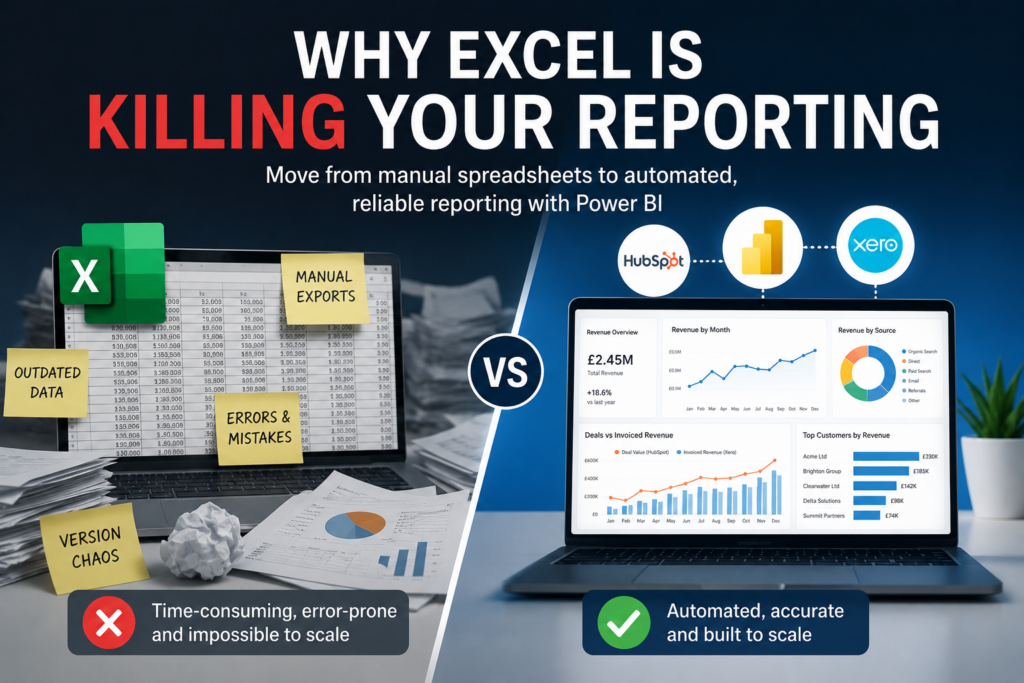
Excel is useful, but manual spreadsheet reporting creates hidden risks. Learn why automated Power BI reporting scales better for finance and operations teams.
Power BI Direct API Connection vs Using Connectorly for Xero Reporting

Should you connect Power BI directly to Xero or use Connectorly? This guide explains the differences, challenges, and best approach for reliable reporting.
Connectorly vs CData for Xero and Power BI: Which Integration Is Better for Consolidation?
Struggling to consolidate multiple Xero organisations in Power BI? Compare Connectorly vs CData and find the best approach for structured financial reporting.
How to Use Xero Find & Recode (With Real Examples)
Struggling with incorrect transactions in Xero? Learn how to use Find & Recode with real examples to clean your data and improve reporting accuracy.
Connectorly vs Xero Analytics (Powered by Syft): What’s the Difference for Xero Reporting?
Looking at Connectorly vs Xero Analytics powered by Syft? Learn how Xero’s built-in reporting compares with Power BI analytics for advanced financial dashboards.
Connectorly vs Zapier for Connecting Xero to Power BI: What’s the Difference?
Choosing between Connectorly and Zapier to connect Xero to Power BI? Learn the key differences between automation tools and reporting connectors, and which one is better for financial dashboards.
How to Connect Xero or HubSpot to Excel (Step-by-Step Guide for Accountants and Sales Teams)
Looking for an easy way to connect Xero or HubSpot to Excel? This step-by-step guide shows accountants, CFOs, and sales managers how to use a PostgreSQL ODBC connection to pull live data into Excel—without manual CSV exports.
Connectorly vs Manual Excel Export from Xero: Which Is Better for Financial Reporting?

Is exporting from Xero to Excel still the best way to build financial reports? In this comparison, we break down manual Excel exports vs Connectorly for Power BI, covering consolidation, reporting currency, automation, and scalability — so you can choose the right approach for your finance team.
How to Split and Merge Fields in Power BI

Learn how to split and merge fields in Power BI using a real Xero tracking category example. This practical guide shows how to align combined fields like “Region – North” with Excel datasets where values are stored separately, so you can build accurate relationships and consolidated reports. Ideal for accountants and sales managers working with Xero, HubSpot, and Power BI.
Understanding Prebuilt Power BI Measures for Xero Reporting with Connectorly

Explore the key prebuilt DAX measures included in Connectorly’s free Power BI templates for Xero. This guide explains the calculation logic and business purpose behind essential financial, revenue, customer, and performance KPIs, helping you get more value from your data out of the box.
How to Create a Running Total and Top N Customers in Power BI with DAX

Learn how to create running totals and highlight top customers in Power BI using DAX. This step-by-step guide shows practical examples for finance and sales reporting, helping you turn raw data into clear, actionable insights.
How and Why to Create Apps in Power BI?

Power BI Apps offer a clean, consistent way to share reports across your organisation without exposing draft content or risking accidental changes. If you manage dashboards for finance, sales, or operations—especially using Xero or HubSpot data—Apps help ensure stakeholders always see accurate, curated insights. This guide explains why Apps matter and how to set them up properly.
How to Expand JSON Data in Power BI Desktop

Learn how to expand JSON fields in Power BI Desktop using HubSpot data. A practical guide with Connectorly for HubSpot & Power BI.
How to Fix the Power BI SharePoint SSL (HTTPS) Error and Connect Files Securely
Connecting Power BI to SharePoint files can sometimes trigger the dreaded “Use SSL (HTTPS)” OAuth 2.0 error — but the fix is simpler than you think. In this guide, Connectorly explains how to securely link your SharePoint files to Power BI, avoid common authentication issues, and ensure your reports refresh smoothly. Ideal for Power BI developers, accountants, and business leaders who want reliable, secure data connections without the headaches.